
- High-Performance Doors
-
- Applications
-
-
-
- Clean Room
Stainless steel or composite materials help maintain clean rooms.
-
-
- Coolers
Quick opening speeds & tight seals for temperature control.
-
-
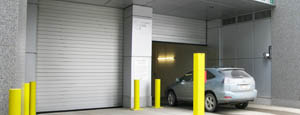
- Parking
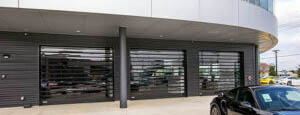
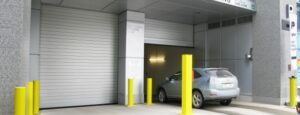
Improve security & traffic flow and enhance architectural style.
-
-
- Hurricane Zone
Withstand winds up to 175 mph and comply with the Florida Building Code.
-
-
-
-
- USDA / FDA / cGMP
Increase productivity & address stringent USDA, FDA & cGMP requirements.
-
-
- Freezers
High-speed & perimeter seals minimize the air exchange between areas.
-
-
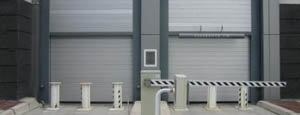
- Security
High speed & durability ensure secure access.
-
-
- Ventilation
Perforated or screen door panels allow improved air circulation.
-
-
-
-
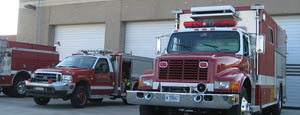
- Fire Station Emergency Response
When time is of the essence, high speed and reliability are crucial.
-
-
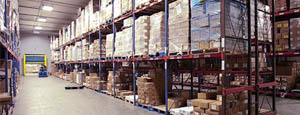
- Warehousing
Fast cycle times and secure seals keep environments separated.
-
-
- Loading Dock
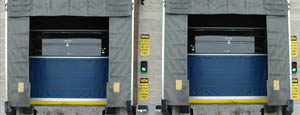
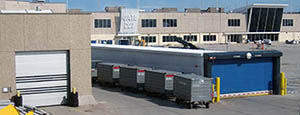
Rugged design & secure seal for oversized openings.
-
-
- Large Openings
Break-away functionality with rugged design seals oversized openings.
-
-
-
-
- Heavy Equipment
Withstands challenges of heavy equipment and fleet truck/car wash environments.
-
-
- Self-Storage
Fast opening speeds and reliable, durable construction keep facilities secure and protected.
-
-
- Industries
-
-
-
- Automotive Dealerships
Reduce energy costs, increase productivity and comfort and enhance customer perception.
-
-
- Cold Storage & Processing
Increase productivity and operational efficiency while reducing energy and maintenance costs.
-
-
- Parking
We offer solutions for Apartment / Condo & Loft, Standalone Parking Facilities and Office Buildings
-
-
-
-
- Food & Beverage
Doors specifically engineered for USDA/FDA and cGMP environments, and assured compliance for uncompromising performance.
-
-
- Mfg/Dist/Warehousing
A complete product line allows facilities to increase efficiency and safety and reduce maintenance and energy costs.
-
-
- Government
Ensure effective security and environmental controls are maintained for critical government operations.
-
-
-
-
- Transit
Keep operations running smoothly and efficient while reducing energy and maintenance costs.
-
-
- Pharma, Nutraceutical & Biotech
Doors that offer quick, secure access, environmental control and reliability for life science facilities.
-
-
- Support Resources
- Parts
- Contact Us
- Blog/News
- Why Rytec
- Sales Rep Locator
- Careers
- Dealers
- Architectural Resources














2026 Top Wireless Intercoms for Elderly Buyers Guide
Choosing a wireless intercom for an older adult is about more than clear sound. It should make everyday check-ins easier without adding confusing steps. A large, readable button, a simple call process, and dependable two-way audio can matter more than a long list of features. Placement matters, too. A unit near the bedroom or kitchen may be more useful than one tucked beside the router.
This 2026 guide to top wireless intercoms for elderly buyers explains what to compare before choosing a system. It considers range, power options, volume controls, setup, and whether calls work between rooms or across separate buildings. The right Wireless Intercom For Elderly users depends on the home, hearing needs, mobility, and who will answer. No single model fits every family. That is worth remembering.
Product specifications can help, but they do not tell the whole story. Walls, appliances, and distance may affect a wireless signal, while small controls can frustrate someone with limited vision or dexterity. Check the manufacturer’s stated range and return policy, and test the devices in the rooms where they will be used. A promising feature is not a guarantee. This guide offers practical comparison points, while leaving room for personal needs that a checklist cannot fully capture.
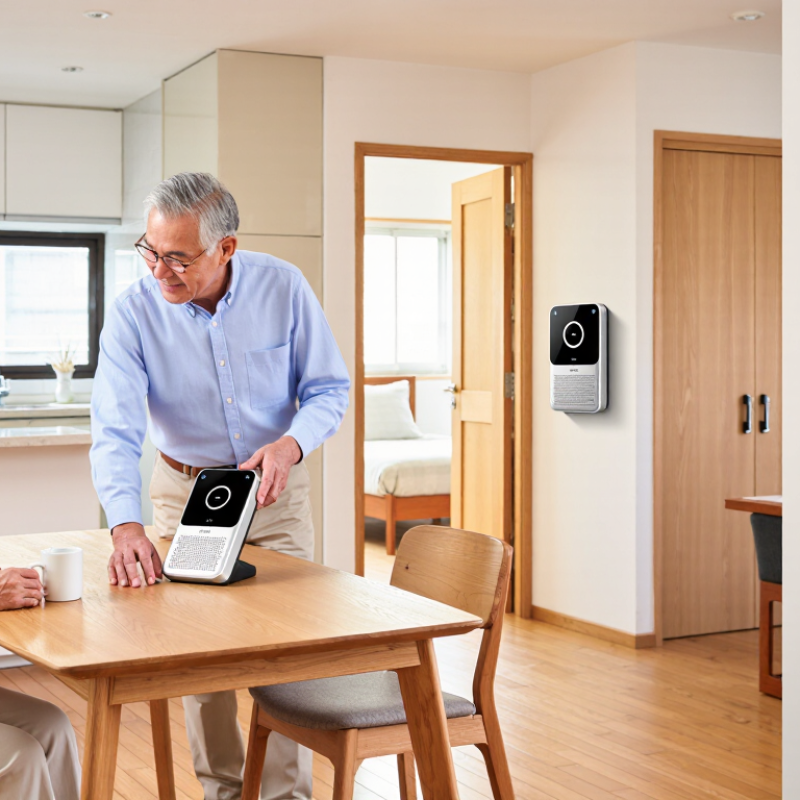
Table of Contents [Hide]
What Wireless Intercoms Are and Why Elderly Buyers Need Them
A wireless intercom lets people speak between separate units without running communication cables through the home. One unit might sit beside a bed, while another rests near the kitchen or front door. Pressing a button opens a two-way voice connection; some systems also support hands-free calls. Simple controls matter. Small labels and fiddly menus can be frustrating, especially in dim rooms.
For older adults, an intercom can reduce the need to cross stairs or walk quickly when someone calls. A caregiver in another room can check in, answer a request, or hear that help is needed. No phone hunt. It may also help relatives communicate from outside the home, provided the system supports that range. An intercom is not a substitute for emergency services, but it can make ordinary check-ins easier and faster.
Real homes complicate the choice. Thick walls, closed doors, and nearby electronics can weaken a signal, so test communication in the rooms that matter. Check that the speaker is loud and clear, the buttons are easy to press, and charging or battery changes are manageable. Some features may be unnecessary. A screen can help one person and confuse another; preferences differ, and it is worth asking the older user to try the controls before buying.